
SecOps is Calling You
Today, Security Operations (SecOps) wants in on Stream. In their day to day, they ingest loads of data and search it for suspicious activities. For now, they ingest this data into Splunk, but word on the street is they might be switching Security Information and Event Management (SIEM) vendors soon. We’ll see.
SecOps heard what you did for the IT Splunk license by reducing noisy data ingestion and they want to do the same. One of the SecOps admins recently loaded up Stream in the lab and has been configuring a Palo Alto enrichment Pipeline to help the department save time and money in the long run. However, they would like your help moving the Pipeline to production.
Here’s what they sent:
note
00:23 [Ed B]: Hey, I just finished what I think is a great pipeline to help us lower our Splunk ingestion.
00:23 [Ed B]: Think you can help me put it into production?
00:35 [Ed B]: Here, I exported it as a Pack and uploaded it to our company share: REDACTED
Oh, cool. They even exported it as a Pack! This makes things much easier. Let’s go import it into Stream and see how it works.
Don’t worry about the REDACTED link, by the way. We have hosted the same Pack in a public space that you can access for this course.
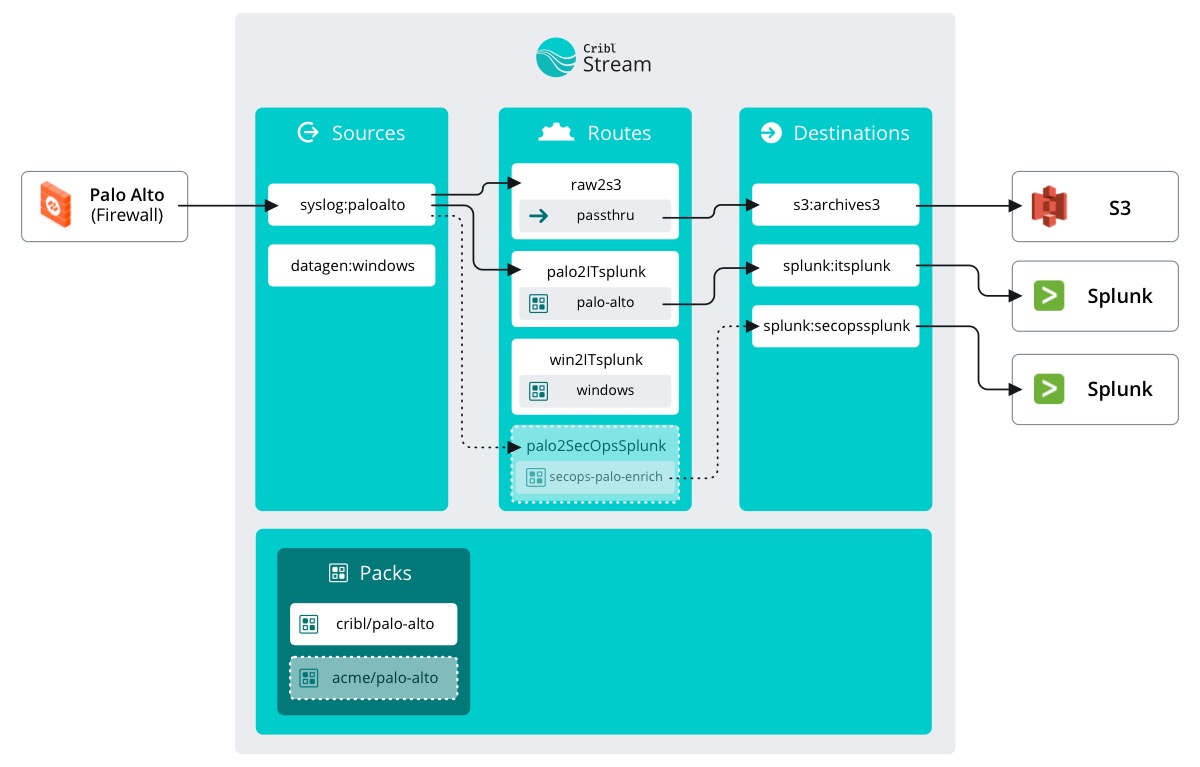
The course map looks a little different, but there isn’t too much to actually touch. Just some extra stuff that SecOps and IT have been adding in between courses.
Course Map
Onward!